
Navigating Key Features
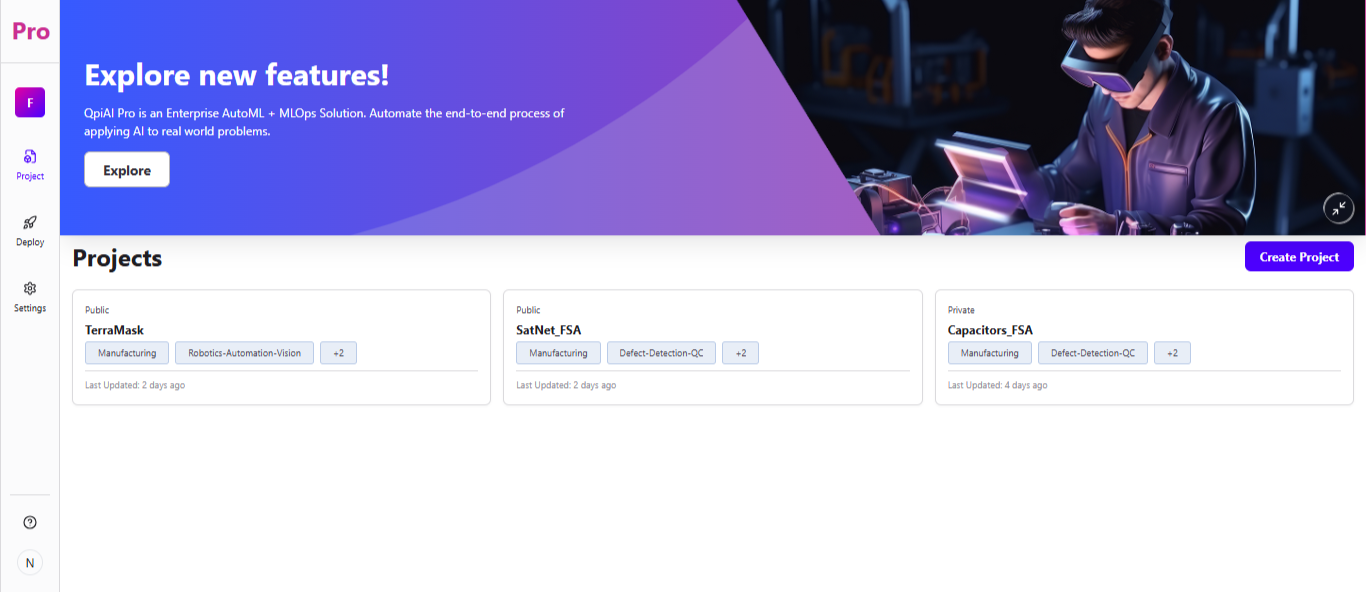
The icon at the top of the sidebar (showing a letter, e.g. "F") is the workspace switcher. Click it to view all the workspaces you've created and switch between them. You can also create a new workspace using the "+ Create Workspace" option.
Use the sidebar to access Project, Deploy, and Settings. Once you open a project, you'll find further tools like Data Management, Annotation, and Model Training inside it.