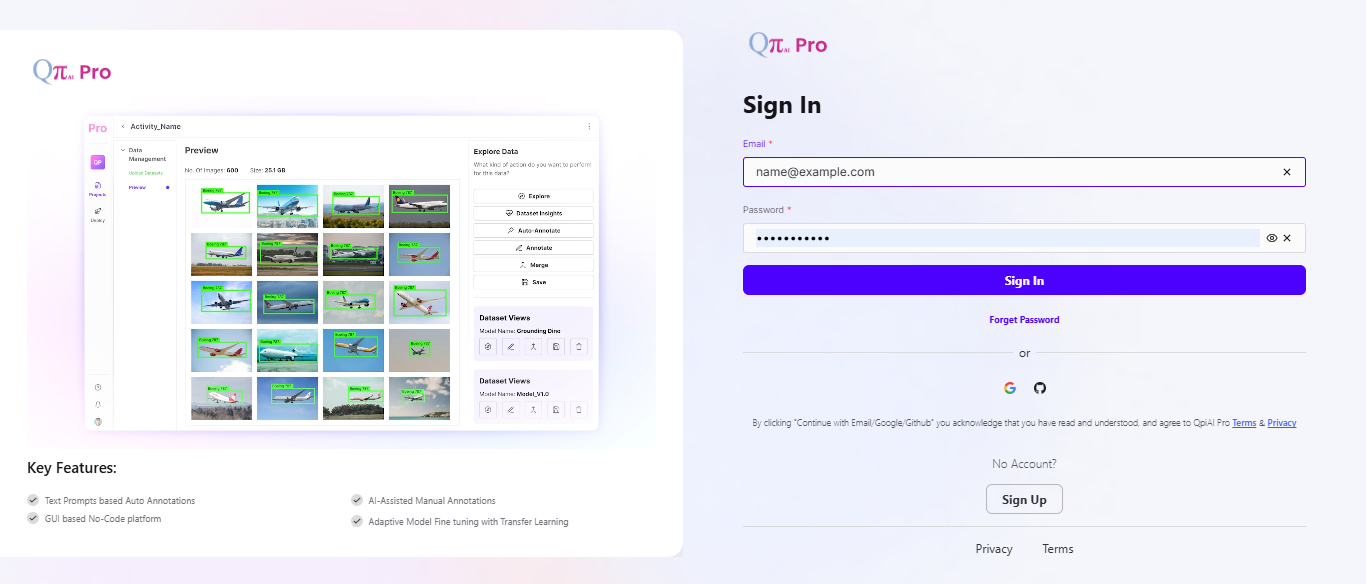
Login to QpiAI Pro
On the login screen, enter your registered email address and password in the respective fields.
Click on the "Sign In" button to proceed. You can also sign in using Google or GitHub, or click "Forget Password" to reset it if needed.
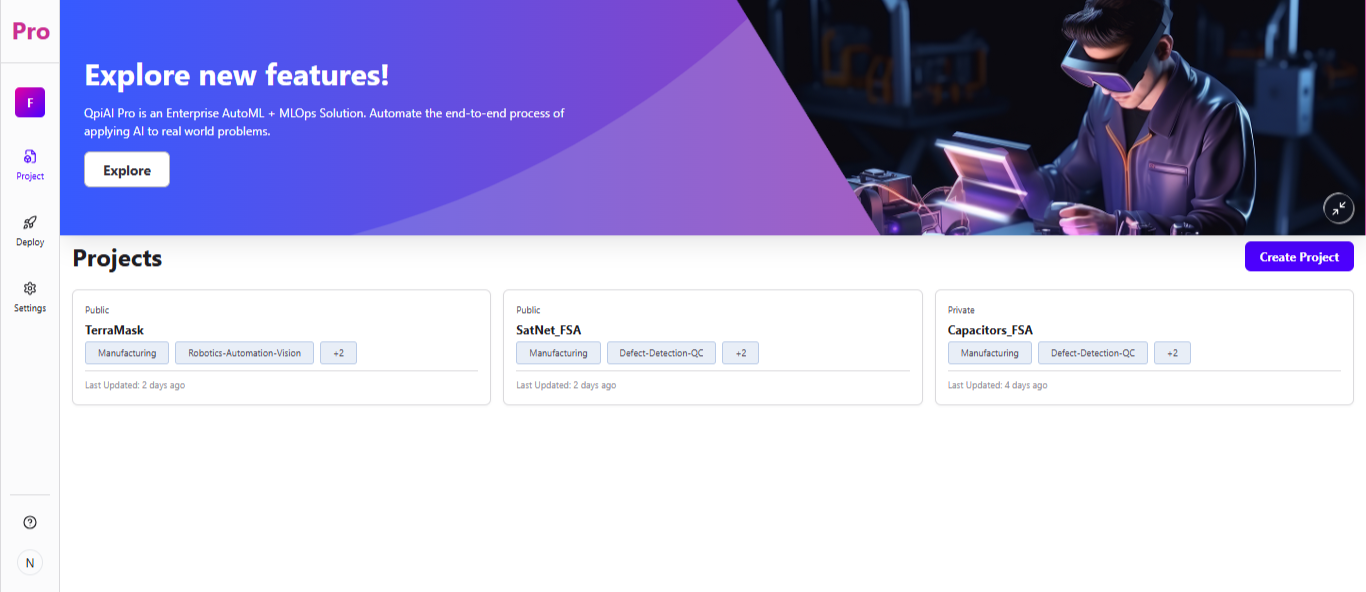
Explore the Dashboard
Upon successful login, you will be redirected to the dashboard, where you can view and manage your Projects.
The dashboard displays your existing projects as cards, showing details like category tags, visibility (Private/Public), and when each was last updated.
Click the "Create Project" button to start a new project.